Copilot

Microsoft 365 Copilot Nedir, Ne İşe Yarar? (2026 Rehberi)

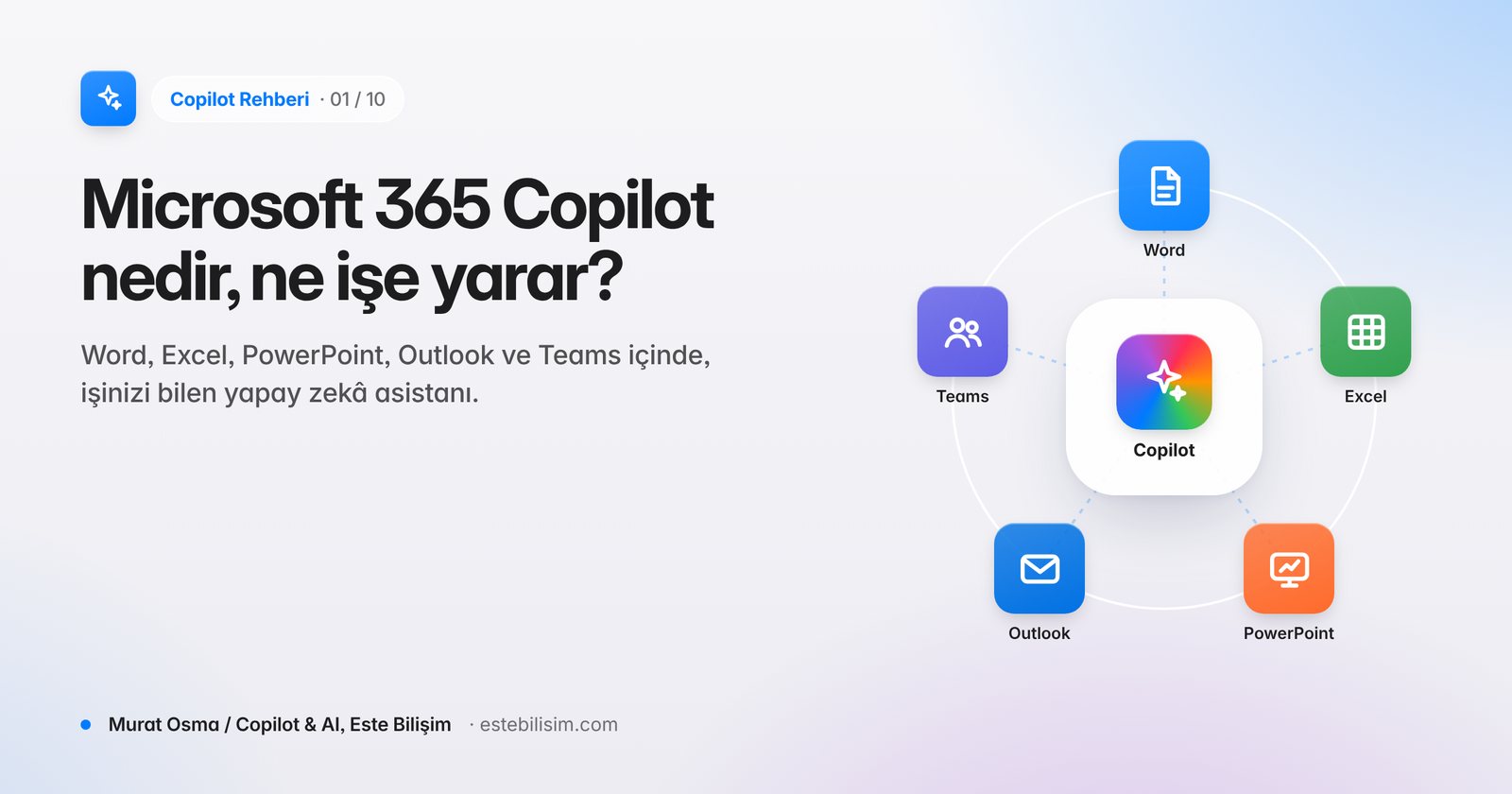
Microsoft 365 Copilot; Word, Excel, PowerPoint, Outlook ve Teams içinde çalışan, şirket verinizi yetkilerinize göre kullanan yapay zekâ asistanıdır. Nasıl çalışır, kimler için uygundur?

25 Eki 2026 Murat Osma 1 görüntüleme
Microsoft 365 Copilot Nedir, Ne İşe Yarar? (2026 Rehberi)

Microsoft 365 Copilot; Word, Excel, PowerPoint, Outlook ve Teams'in içine yerleşmiş, e-postalarınızı, toplantılarınızı, dosyalarınızı ve sohbetlerinizi sizin erişim yetkiniz kadar okuyarak çalışan kurumsal bir yapay zekâ asistanıdır. Genel bir sohbet robotundan farkı, "işinizi" bilmesidir: dünkü toplantıda ne kararlaştırıldığını, müşteriye son gönderilen teklifi ya da bütçe dosyasındaki sapmayı bağlamıyla birlikte görür.

Copilot nasıl çalışır?

Copilot üç katmanın birleşimidir:

  1. Büyük dil modelleri: OpenAI'nin GPT modelleri ve Anthropic'in Claude modelleri. Copilot göreve göre modeli kendisi seçebilir ya da kullanıcı model seçiciden tercih yapabilir.
  2. Microsoft Graph: Şirketinizin e-posta, takvim, Teams, SharePoint ve OneDrive verisi. Copilot yalnızca sizin zaten açabildiğiniz içerikleri görür.
  3. Microsoft 365 uygulamaları: Copilot'un ürettiği sonucu doğrudan belgeye, tabloya, sunuma ya da e-postaya dönüştüren arayüz.

Bu yapı sayesinde "Bu hafta Ankara projesiyle ilgili hangi e-postalar geldi, açık konuları özetle" gibi bir istek, gelen kutunuz ve ilgili Teams kanalı taranarak cevaplanır.
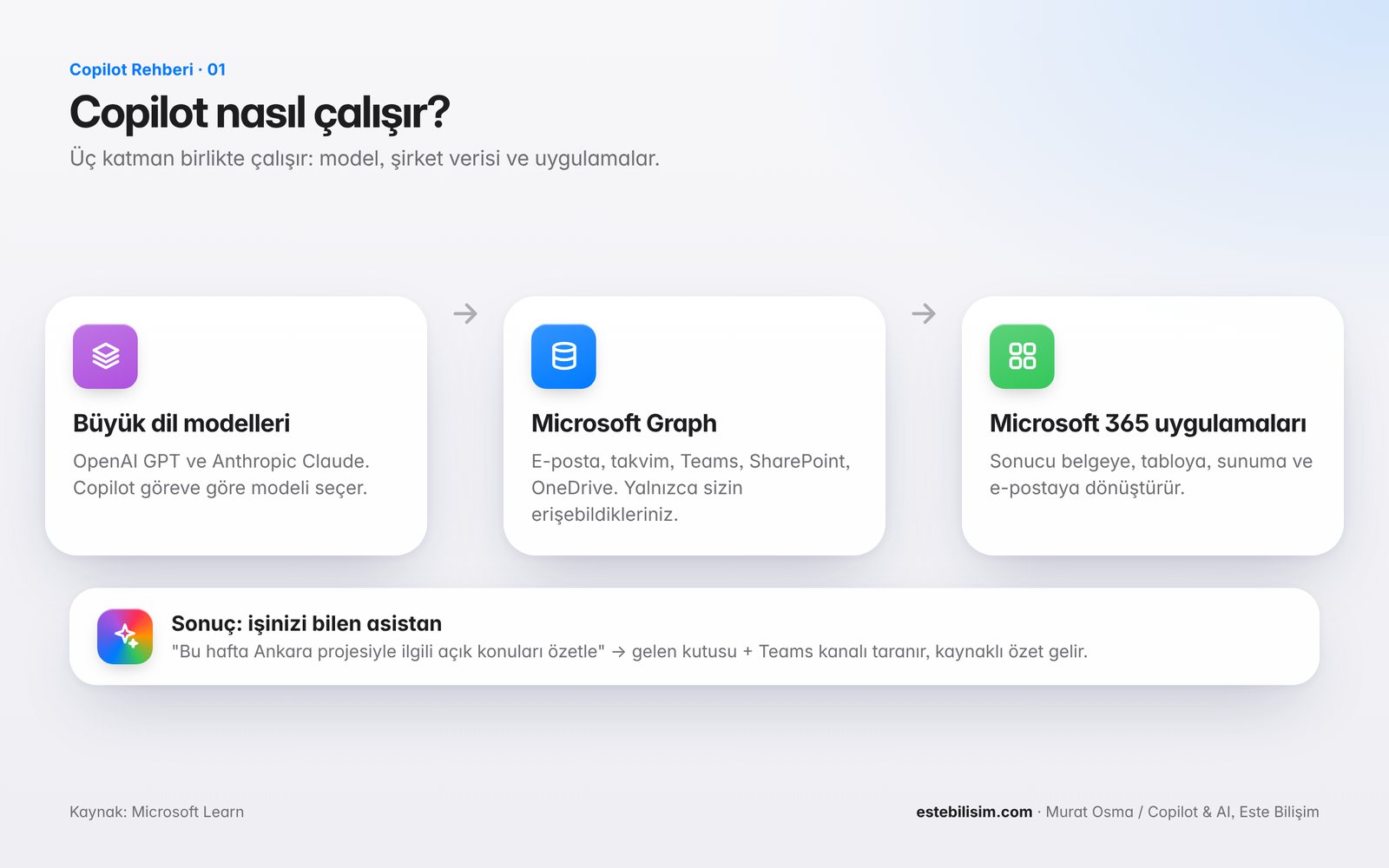
Copilot nasıl çalışır: büyük dil modelleri, Microsoft Graph ve Microsoft 365 uygulamaları

Copilot ne işe yarar? Uygulama bazında örnekler

UygulamaCopilot ile yapılabilecek tipik işler
WordTaslak oluşturma, mevcut bir dosyadan rapor üretme, uzun metni özetleme, tonu yeniden yazma
ExcelFormül yazdırma, veri analizi, pivot ve grafik oluşturma, Agent Mode ile çok adımlı model kurma
PowerPointWord belgesinden sunum üretme, slayt düzenleme, konuşmacı notu yazma
OutlookUzun yazışmaları özetleme, yanıt taslağı, toplantı hazırlığı
TeamsToplantı özeti, aksiyon maddeleri, kaçırılan sohbetlerin özeti
Copilot Chatİş ve web verisiyle sohbet, Researcher ve Analyst ajanlarıyla derin araştırma

Ajanlar: Copilot'un yeni çalışma biçimi

2026 itibarıyla Copilot yalnızca soru cevaplayan bir asistan değildir. Word, Excel ve PowerPoint'teki Agent Mode, bir görevi adımlara bölüp uygulama içinde yürütür. Researcher çok kaynaklı rapor hazırlar, Analyst veriyi Python ile analiz eder. Kuruma özel ajanlar ise Copilot Studio ile geliştirilebilir.

Microsoft Copilot ile Microsoft 365 Copilot aynı şey mi?

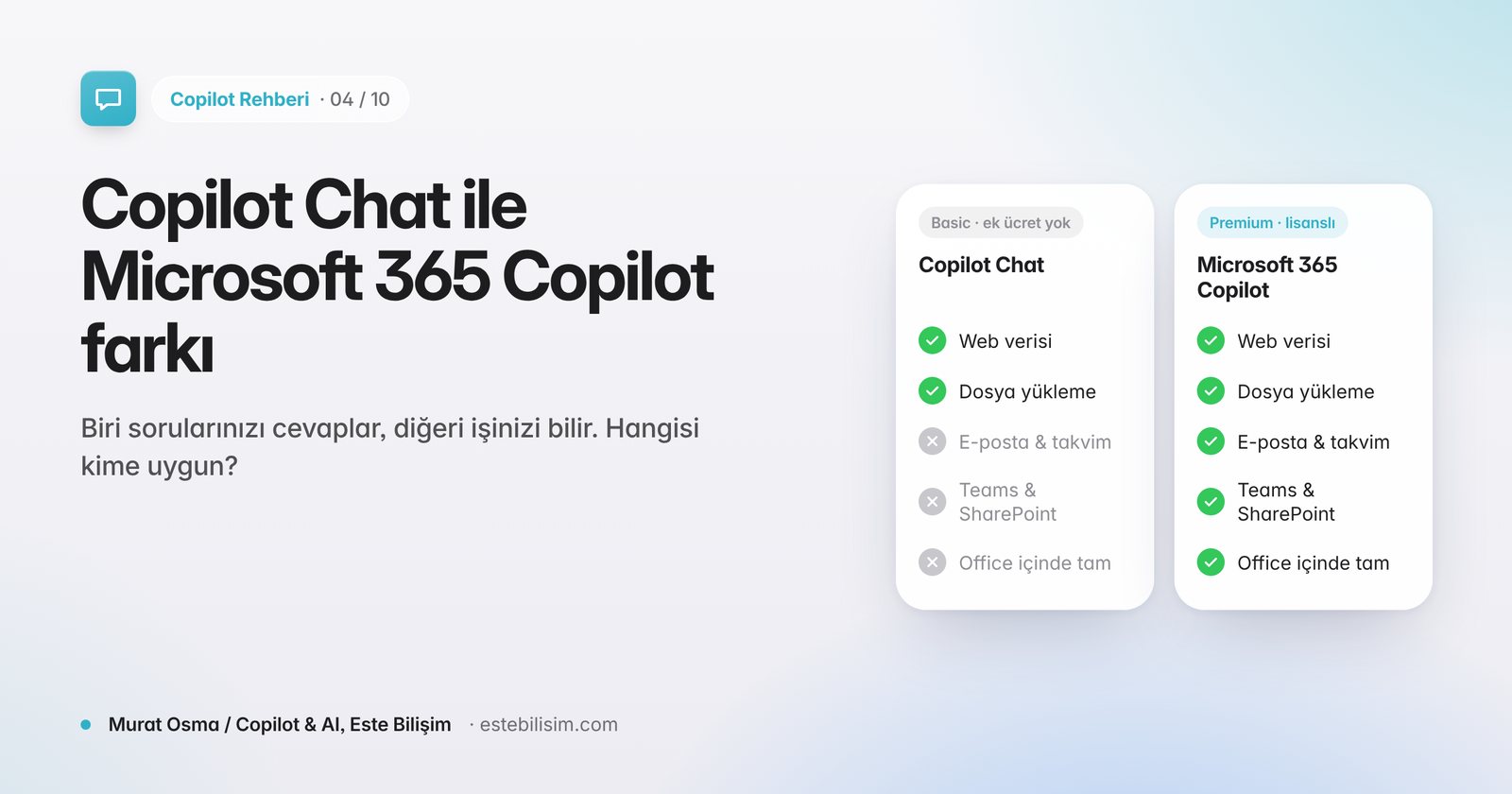
Hayır. Aynı marka altında üç farklı deneyim vardır:

Kimler için uygun?

Gününün çoğunu e-posta, toplantı, rapor ve tablolarla geçiren bilgi çalışanları en hızlı geri dönüşü alır: yöneticiler, satış, finans, insan kaynakları, proje yönetimi ve müşteri hizmetleri ekipleri. Başarılı kurulumlarda ortak nokta, lisansla birlikte veri yetkilerinin düzenlenmesi ve kullanıcı eğitimidir (bkz. Copilot öncesi veri hazırlığı rehberimiz).

Sık sorulan sorular

Copilot verilerimi yapay zekâyı eğitmek için kullanır mı?

Hayır. Microsoft, kurumsal Copilot'ta istemlerin, yanıtların ve Graph verisinin temel modelleri eğitmek için kullanılmadığını taahhüt eder (bkz. Copilot güvenli mi? Verilerimize ne oluyor, KVKK açısından durum ne?).

Copilot'u kullanmak için ayrı bir uygulama kurmak gerekir mi?

Hayır. Güncel Microsoft 365 uygulamalarında Copilot düğmesi zaten bulunur; lisans atandığında aktifleşir.

Copilot Türkçe çalışır mı?

Evet. Türkçe, Microsoft 365 Copilot'un desteklenen dilleri arasındadır (bkz. Copilot Türkçe destekliyor mu?).

ESTE Bilişim ile başlayın: Microsoft Solutions Partner ve LSP olarak lisanslama, veri hazırlığı ve kullanıcı eğitimini tek planda sunuyoruz. Kurumunuz için Copilot yol haritası çıkarmak üzere bize ulaşın.
Uzmanımızla görüşün →

Paylaş: LinkedIn X WhatsApp

Bu kategoriden diğer yazılar

Copilot

What is Microsoft 365 Copilot, What Does It Do? (2026 Guide)

Microsoft 365 Copilot; It is an artificial intelligence assistant that works in Word, Excel, PowerPoint, Outlook and Teams and uses your company data according to your authorizations. How does it work, who is it suitable for?

Oct 25, 2026 Murat Osma 1 views
What is Microsoft 365 Copilot, What Does It Do? (2026 Guide)

Microsoft 365 Copilot; It is an enterprise artificial intelligence assistant built into Word, Excel, PowerPoint, Outlook and Teams that works by reading your emails, meetings, files and chats as much as you have access to. The difference from a general chatbot is that it knows "your business": it sees what was agreed at yesterday's meeting, the last proposal sent to the customer, or the deviation in the budget file with its context.

How does Copilot work?

Copilot is a combination of three layers:

  1. Large language models: OpenAI's GPT models and Anthropic's Claude models. Copilot can choose the model itself based on the task, or the user can choose from the model selector.
  2. Microsoft Graph: Your company's email, calendar, Teams, SharePoint, and OneDrive data. Copilot only sees content that you can already open.
  3. Microsoft 365 apps: An interface that converts Copilot's result directly into a document, table, presentation, or email.

Thanks to this structure, a request such as "Which emails about the Ankara project came this week, summarize open topics" is answered by scanning your inbox and the relevant Teams channel.

Copilot nasıl çalışır: büyük dil modelleri, Microsoft Graph ve Microsoft 365 uygulamaları

What does Copilot do? Application-by-application examples

Typical tasks that can be done with ApplicationCopilotWordDrafting, generating a report from an existing file, summarizing long text, rewriting toneExcelPrinting formulas, analyzing data, creating pivots and charts, setting up a multi-step model with Agent ModePowerPointProducing a presentation from a Word document, editing slides, writing a speaker's noteOutlookSummarizing long conversations, drafting responses, meeting preparationTeamsMeeting summary, action items, missed chats summaryCopilot ChatChat with business and web data, Deep exploration with Researcher and Analyst agents

Agents: Copilot's new way of working

As of 2026, Copilot isn't just a question-answering assistant. Agent Mode in Word, Excel, and PowerPoint breaks down a task into steps and executes it within the app. Researcher prepares a multi-source report, Analyst analyzes the data with Python. Organization-specific agents can be developed with Copilot Studio.

Is Microsoft Copilot the same as Microsoft 365 Copilot?

There are three different experiences under the same brand:

Who is it suitable for?

Knowledge workers who spend most of their day with emails, meetings, reports, and spreadsheets get the fastest response: managers, sales, finance, human resources, project management, and customer service teams. Common to successful deployments is orchestration of data entitlements and user training along with licensing (see Our guide to data readiness before Copilot).

Frequently asked questions

Does Copilot use my data to train AI?

Microsoft commits that prompts, responses, and Graph data are not used to train foundation models in enterprise Copilot (see Copilot). Is Copilot secure? What's happening to our data, what's the situation in terms of KVKK?).

Do I need to install a separate app to use Copilot?

Current Microsoft 365 apps already have the Copilot button; it activates when the license is assigned.

Does Copilot work in Turkish?

Yes. English is among the supported languages of Microsoft 365 Copilot (see Does Copilot support Turkish?).

Get started with ESTE Informatics: As a Microsoft Solutions Partner and LSP, we offer licensing, data preparation, and user training in one plan. Contact us to create a Copilot roadmap for your organization.

Talk to our expert →

Related posts