Microsoft 365 Copilot rehberi
Microsoft 365 Copilot; Word, Excel, PowerPoint, Outlook ve Teams'in içinde çalışan, kurumunuzun verisini Microsoft 365 izinleri çerçevesinde kullanan yapay zekâ asistanıdır. Bu rehber, Copilot'u tanımaktan lisanslamaya, günlük kullanımdan güvenlik ve pilot planlamaya kadar karar sürecinde en çok sorulan soruları sırayla yanıtlar.

Copilot'u tanıyın
Ne olduğu, ücretsiz Copilot Chat ile farkı ve maliyeti.
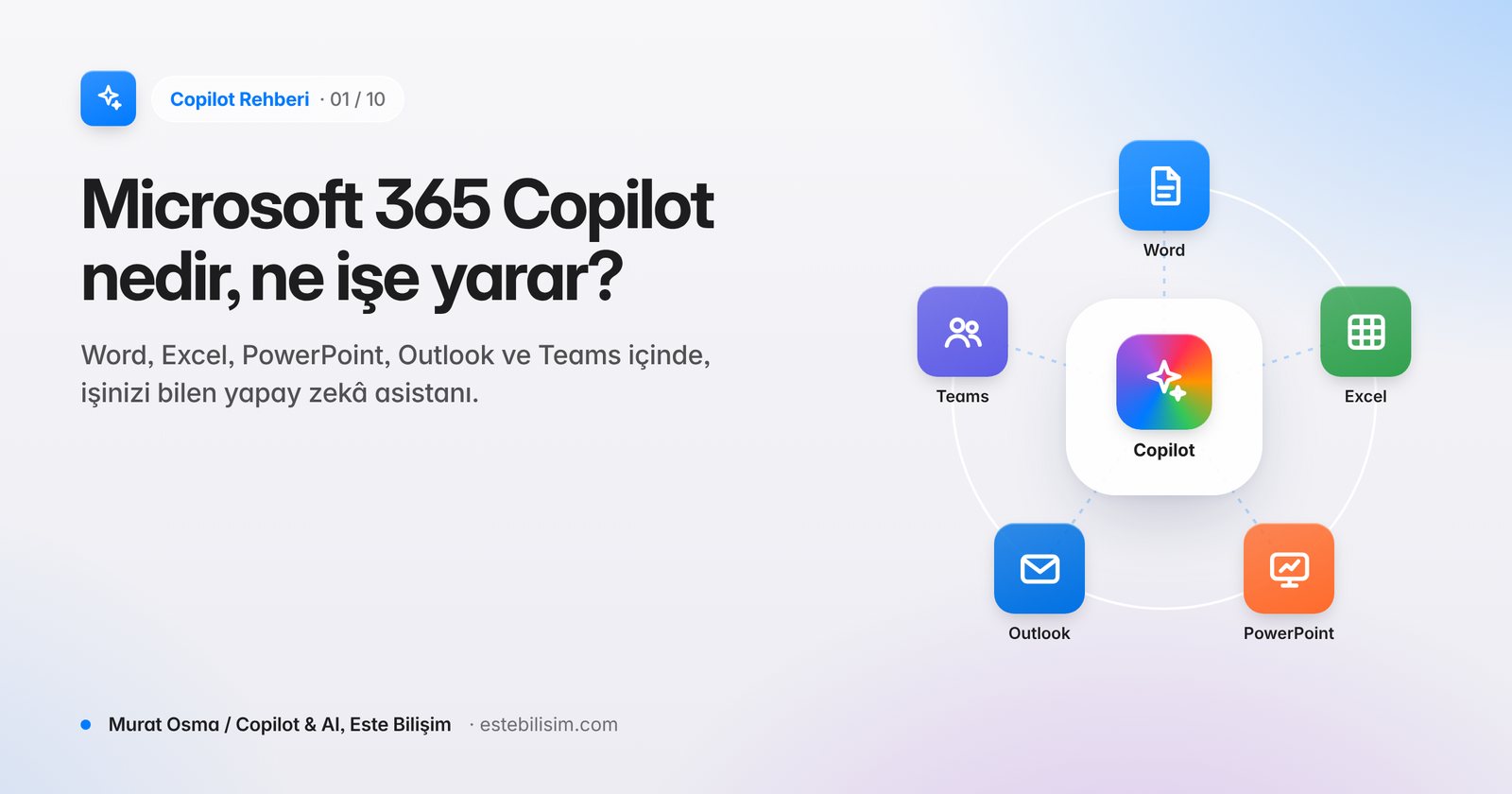
Microsoft 365 Copilot Nedir, Ne İşe Yarar? (2026 Rehberi)
Microsoft 365 Copilot; Word, Excel, PowerPoint, Outlook ve Teams içinde çalışan, şirket verinizi yetkilerinize göre kullanan yapay zekâ asistanıdır. Nasıl çalışır, kimler için uygundur?
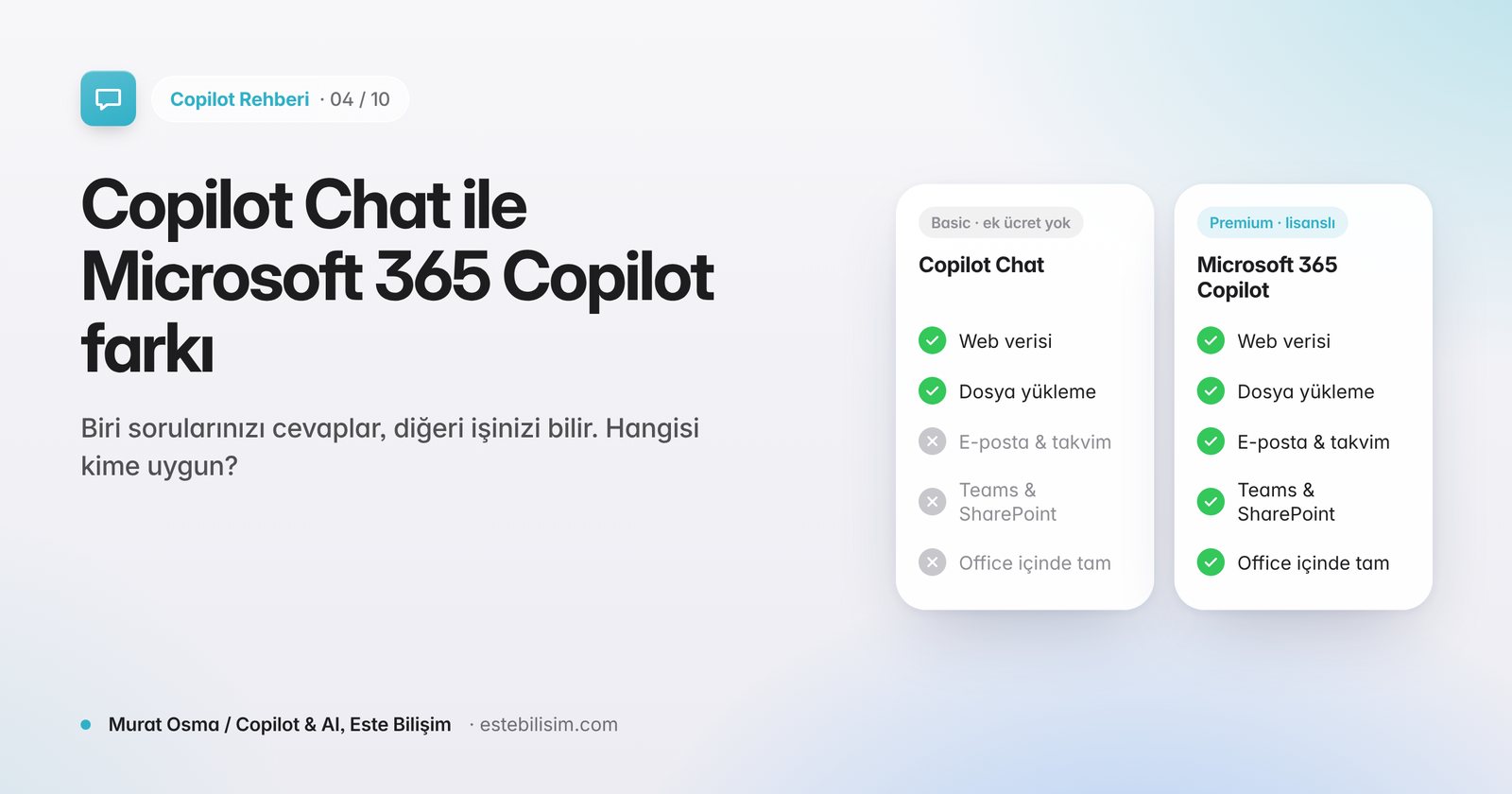
Copilot Chat Nedir? Microsoft 365 Copilot ile Farkı (2026)
Copilot Chat ek ücretsiz, web tabanlı ve kurumsal korumalı bir sohbettir. Microsoft 365 Copilot ise uygulamalara gömülü ve şirket verinizle çalışır. Farklar ve Nisan 2026 değişikliği.
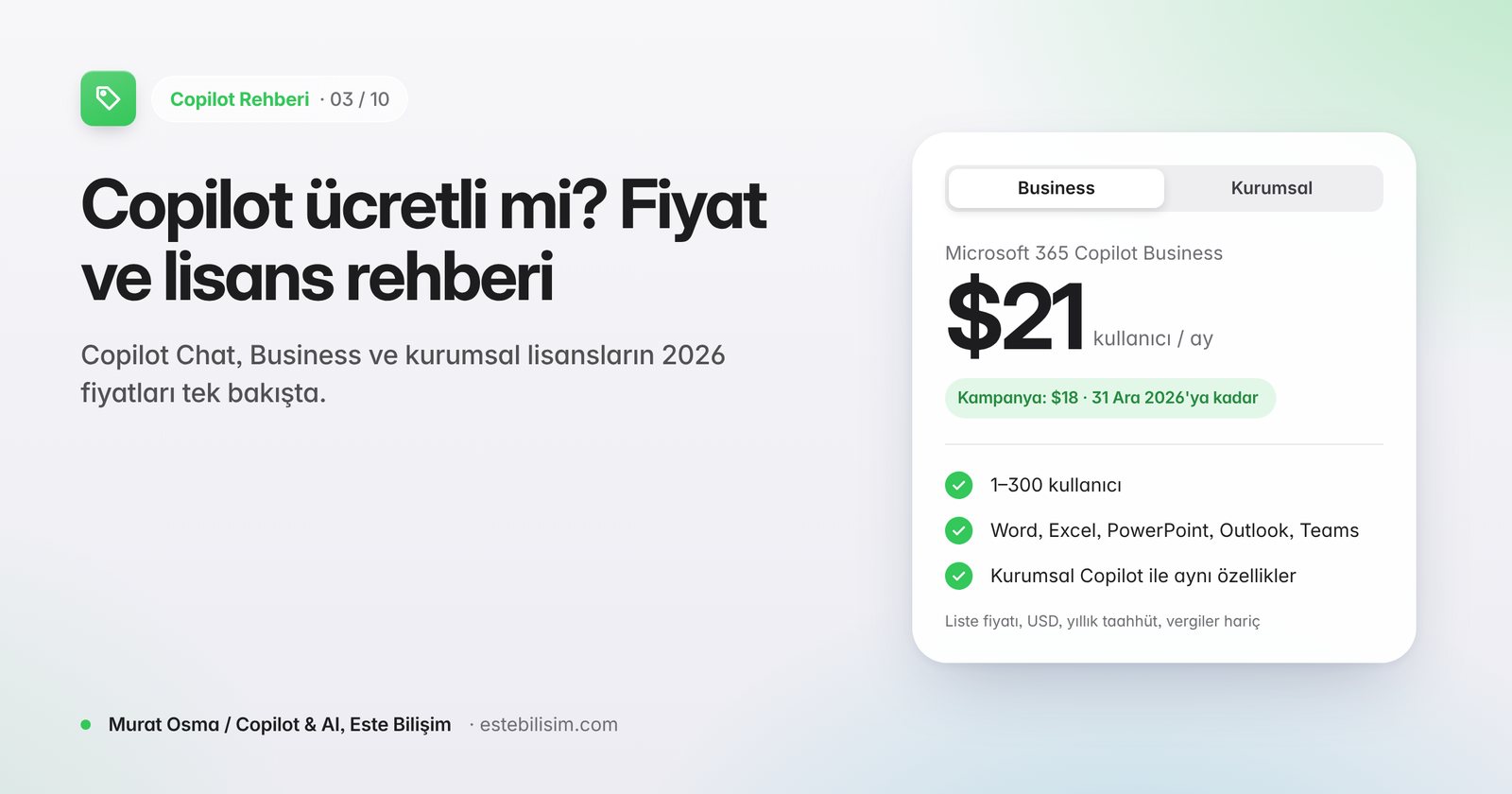
Copilot Ücretli mi? Microsoft 365 Copilot Fiyatı ve Lisans Ücreti (2026)
Copilot Chat ek ücretsiz, Microsoft 365 Copilot ise kullanıcı başına aylık ücretli bir eklentidir. Business ve Enterprise fiyatları, paketler ve kampanyalar tek tabloda.
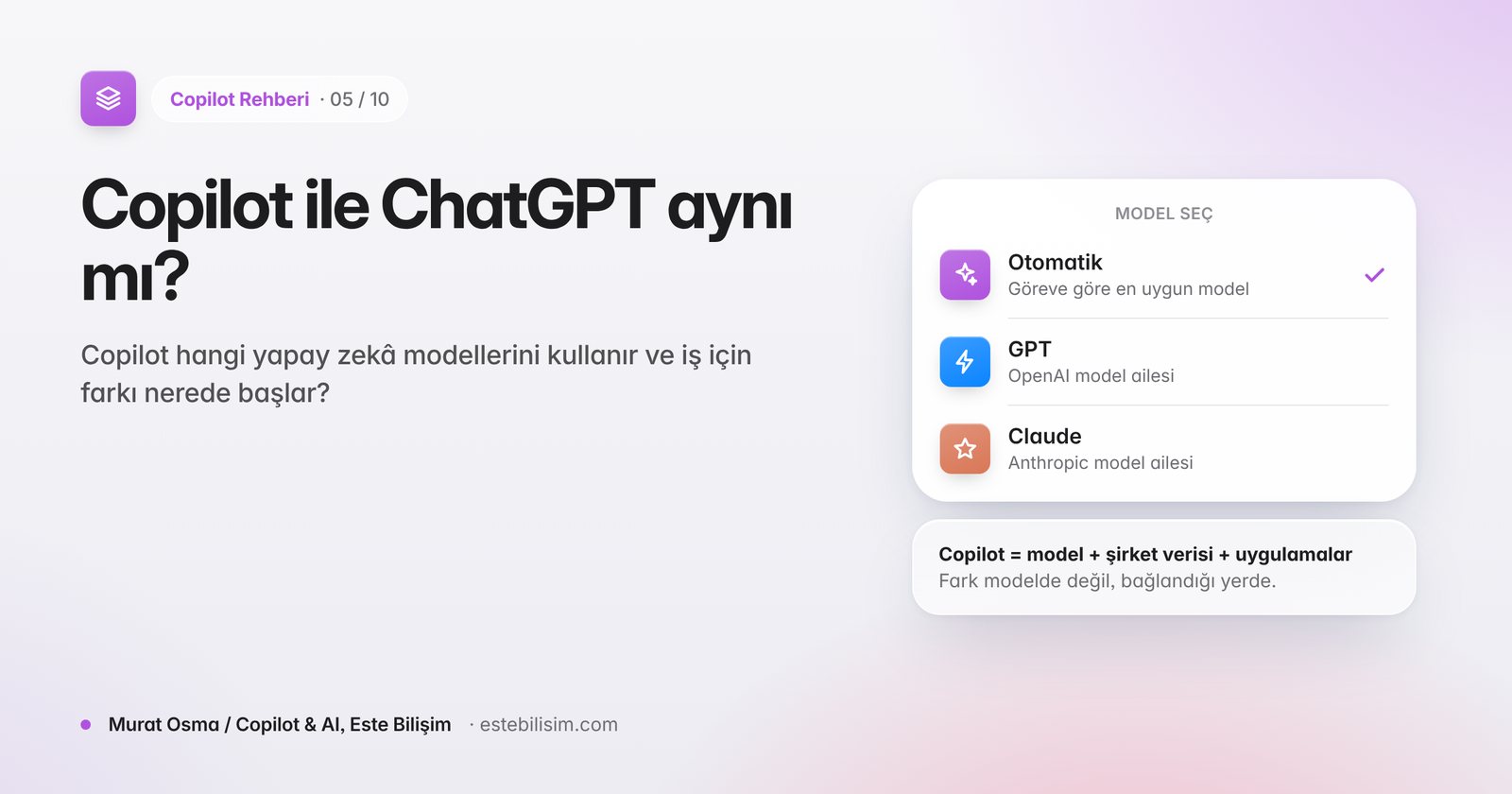
Copilot ile ChatGPT Aynı mı? Hangi Yapay Zekâyı Kullanıyor? (2026)
Microsoft 365 Copilot, OpenAI GPT ve Anthropic Claude modellerini kullanır ama ChatGPT değildir. Farkı şirket verinize, uygulamalara ve yönetim kontrollerine bağlanmasıdır.
Kullanmaya başlayın
İlk adımlar, iyi prompt yazımı ve uygulamalarda kullanım.
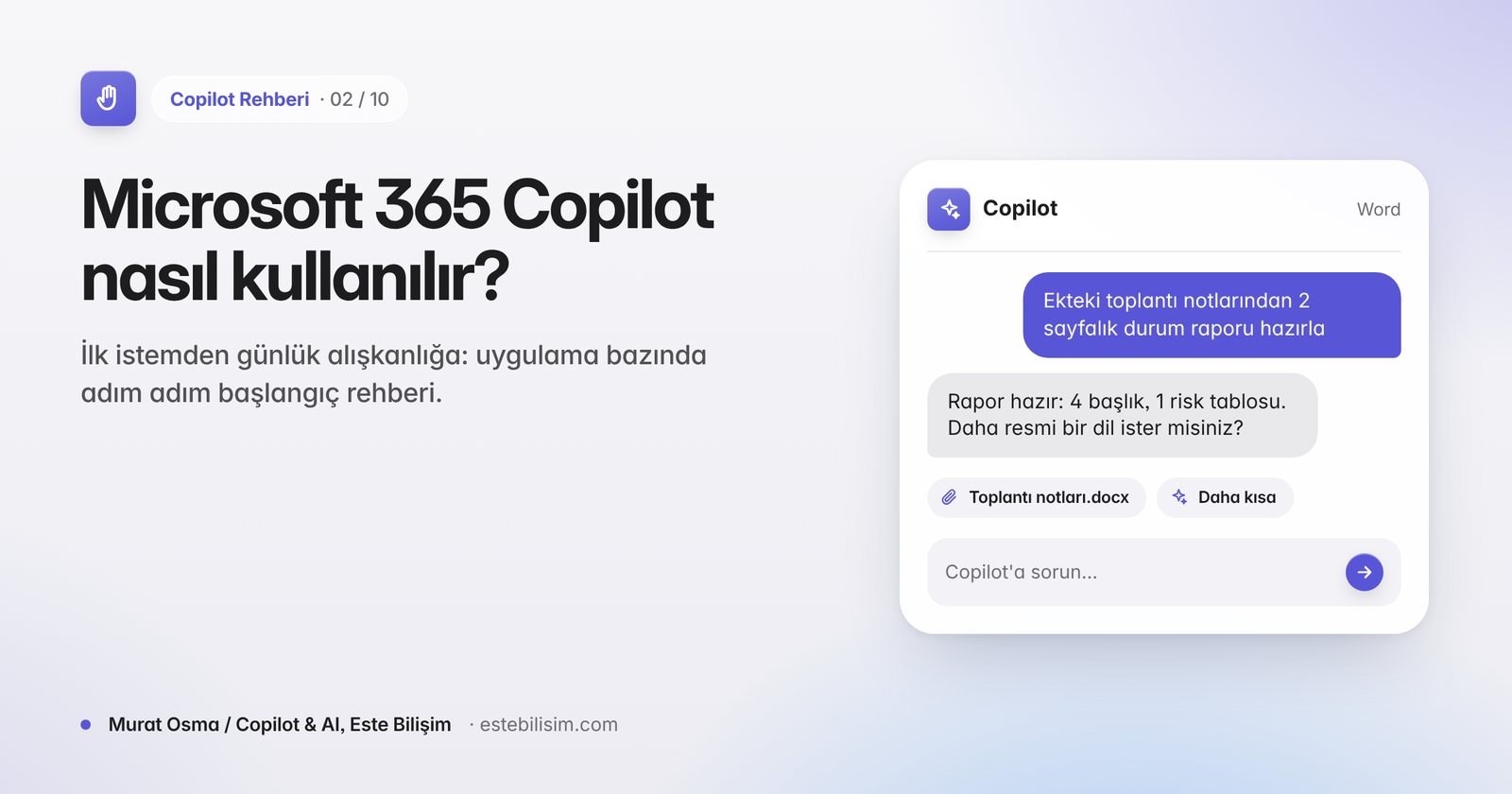
Microsoft 365 Copilot Nasıl Kullanılır? Adım Adım Başlangıç Rehberi
Copilot'u Word, Excel, PowerPoint, Outlook ve Teams'te nasıl açacağınızı, ilk istemlerinizi nasıl yazacağınızı ve günlük işlerde nasıl kullanacağınızı adım adım anlatıyoruz.
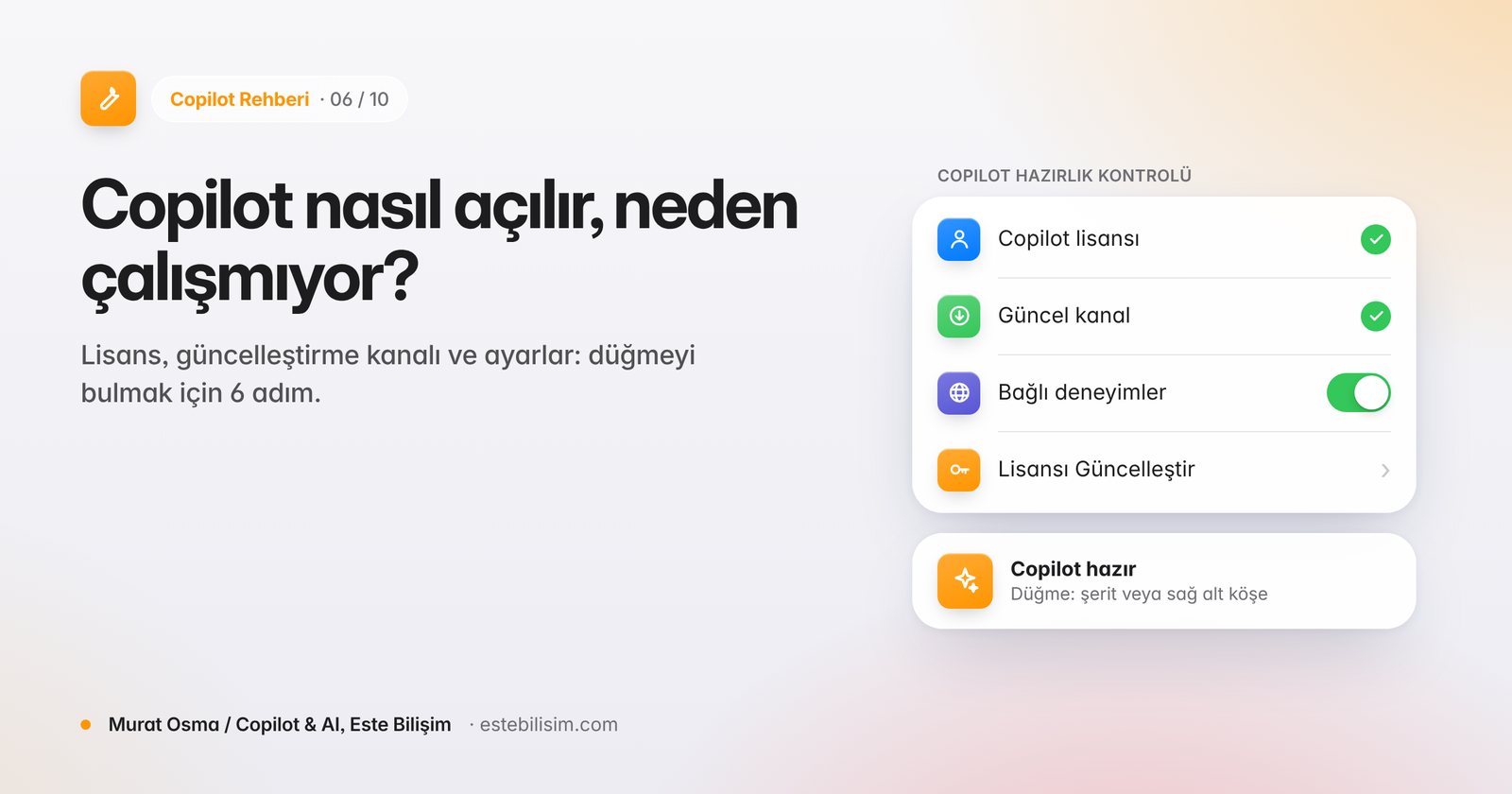
Copilot Nasıl Açılır? Excel ve Word'de Copilot Görünmüyorsa Çözüm
Copilot düğmesi görünmüyor veya gri mi? Lisans, güncelleştirme kanalı, hesap ve gizlilik ayarlarını adım adım kontrol ederek Copilot'u aktif edin.
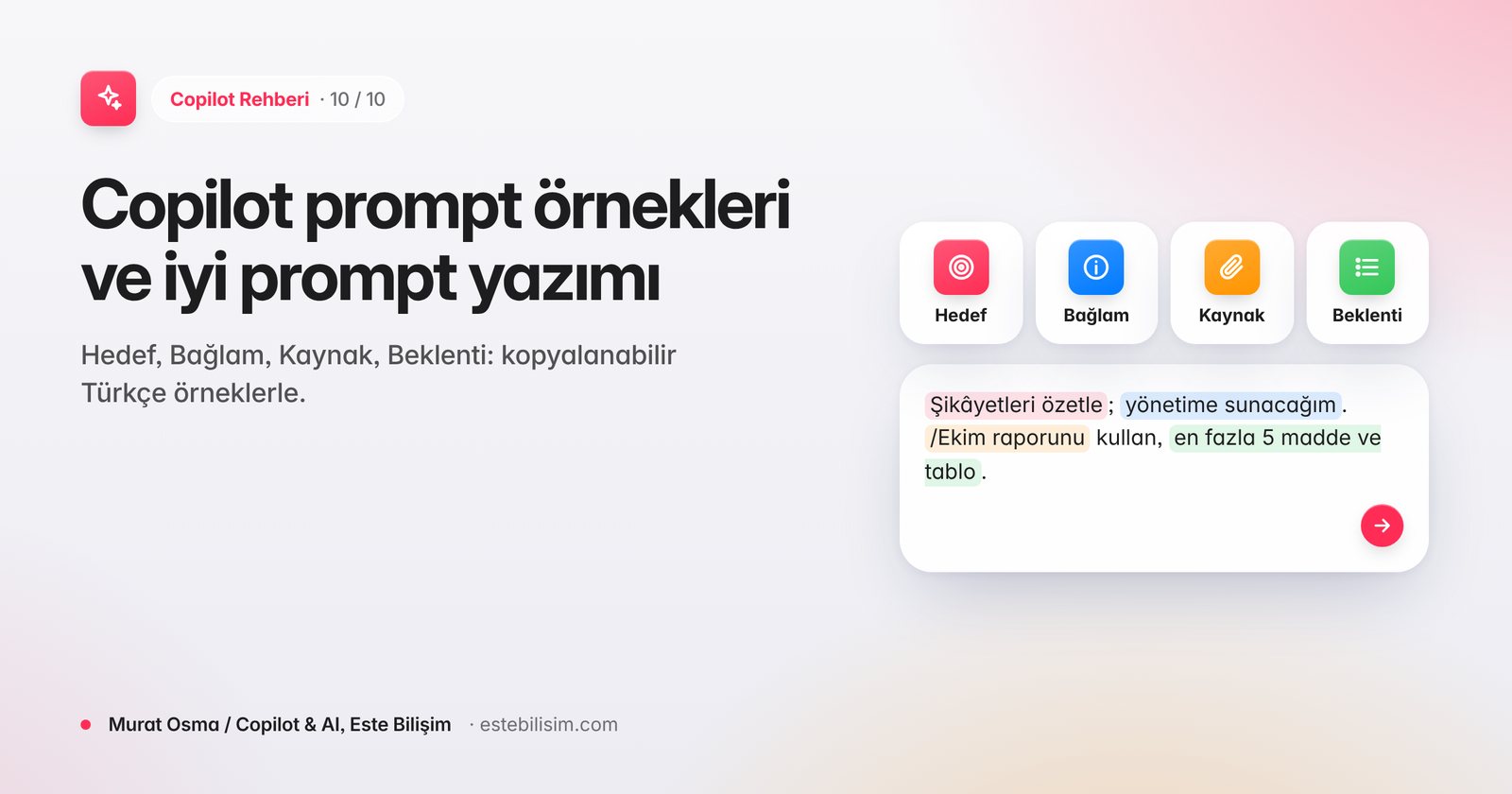
Copilot Prompt Örnekleri: İyi Prompt Nasıl Yazılır? (Türkçe, 2026)
Hedef, Bağlam, Kaynak ve Beklenti çerçevesiyle Copilot'tan daha iyi sonuç alın. Word, Excel, PowerPoint, Outlook ve Teams için kopyalanabilir Türkçe prompt örnekleri, Prompt Gallery ve Prompt Coach.
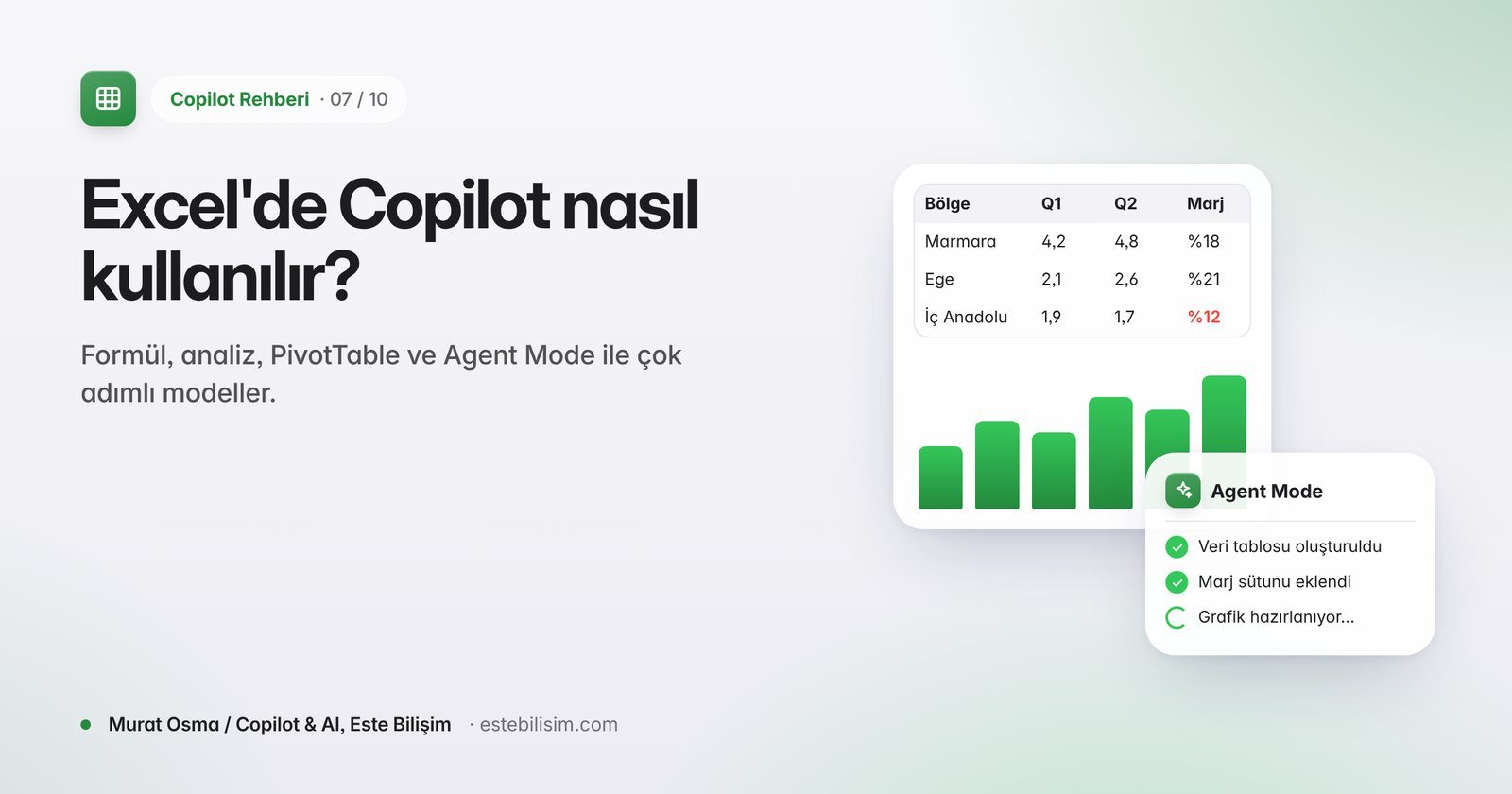
Excel'de Copilot Nasıl Kullanılır? Agent Mode, Türkçe ve Örnekler (2026)
Excel Copilot ile formül yazdırın, veriyi analiz edin, pivot ve grafik oluşturun. Agent Mode ile çok adımlı modeller kurun. Türkçe istem örnekleri ve lisans bilgisi.
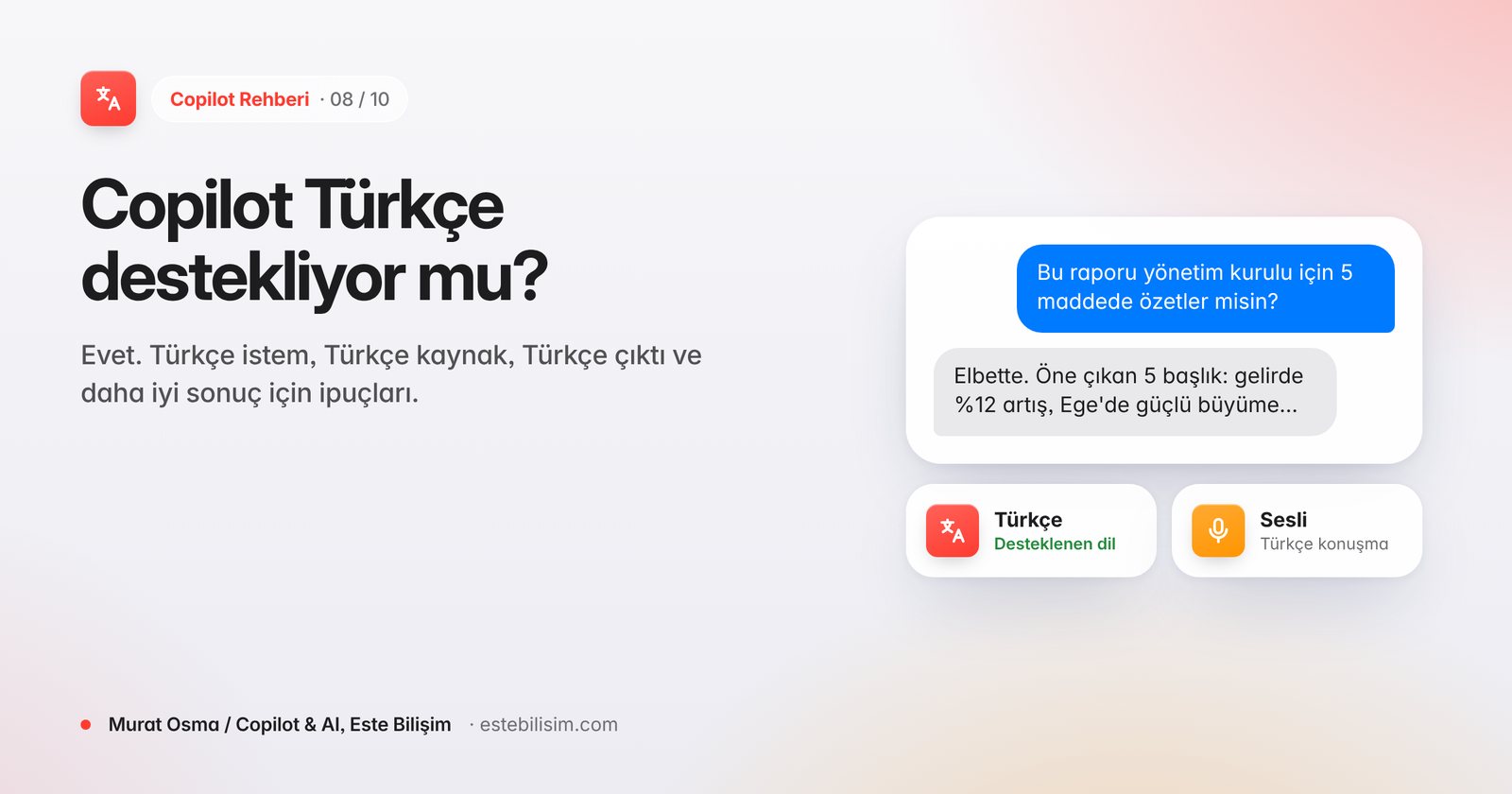
Copilot Türkçe Destekliyor mu? Microsoft 365 Copilot Türkçe Dil Desteği
Evet. Türkçe, Microsoft 365 Copilot'un resmi olarak desteklenen dilleri arasında. Word, Excel, Outlook, Teams ve sesli kullanımda Türkçe istemler ve daha iyi sonuç için ipuçları.
Güvenlik ve yaygınlaştırma
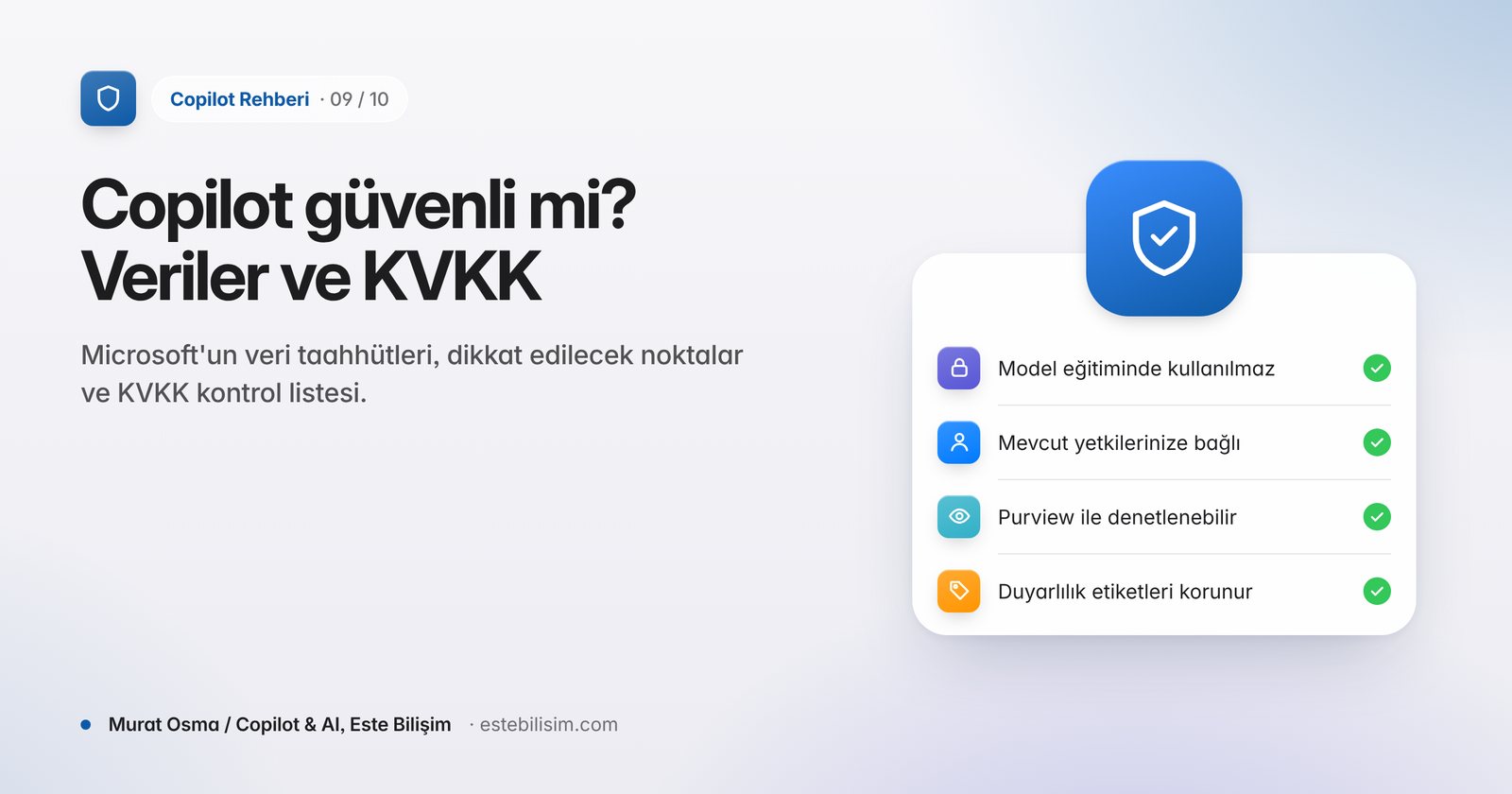
Veri güvenliği, KVKK ve ölçülebilir bir pilot.
Konuyla ilgili diğer yazılar
Bu konudaki diğer yazılarımız, en yeniden eskiye.
Şirketinizde hayata geçirmek mi istiyorsunuz?
Ekibimiz lisanslama, kurulum, güvenlik ve yaygınlaştırmayı sizinle birlikte planlar; uygulamalı workshop’larla kullanıcılarınızı eğitir.